 LaunchVideo.app
URL -> Motion Video

Joey
Founder
March 23, 2026
5 min read
You just vibed your product, now you want to ship. You need a motion video for Product Hunt, for Twitter, for your landing page. But you don't have $5,000 for a motion designer, and you definitely don't have two weeks to wait.
What if all it took was a URL?
One URL. That's It.
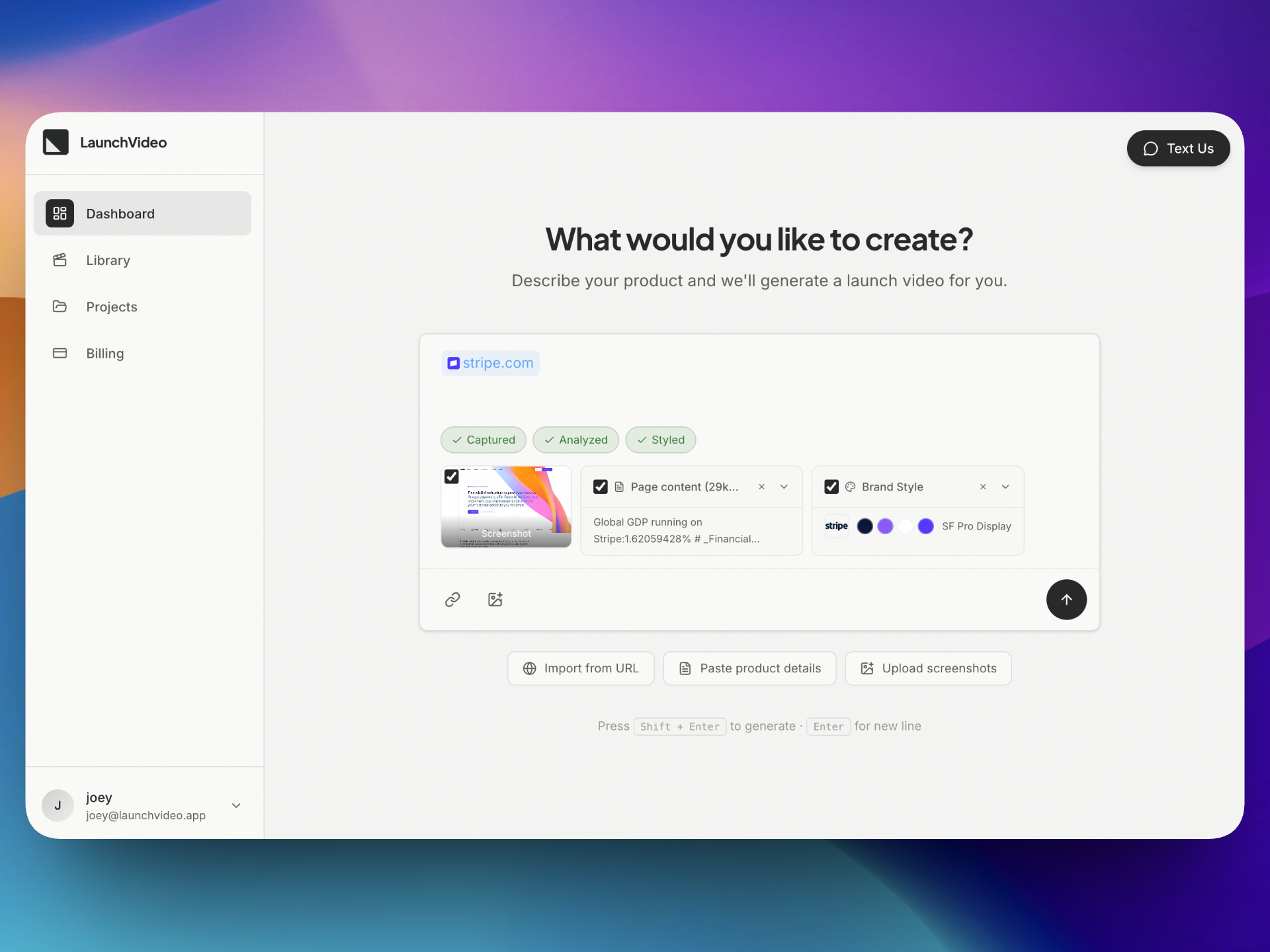
LaunchVideo starts with the simplest possible input: your website URL.
You paste it in. That's the entire setup. No briefs to write, no assets to upload, no brand guidelines to export from Figma. Just a URL.
From that single input, LaunchVideo does everything a motion designer would spend hours doing manually — research your product, understand your visual identity, and produce a video that looks like it belongs on your site.
Why We're Not Building Another Video Editor
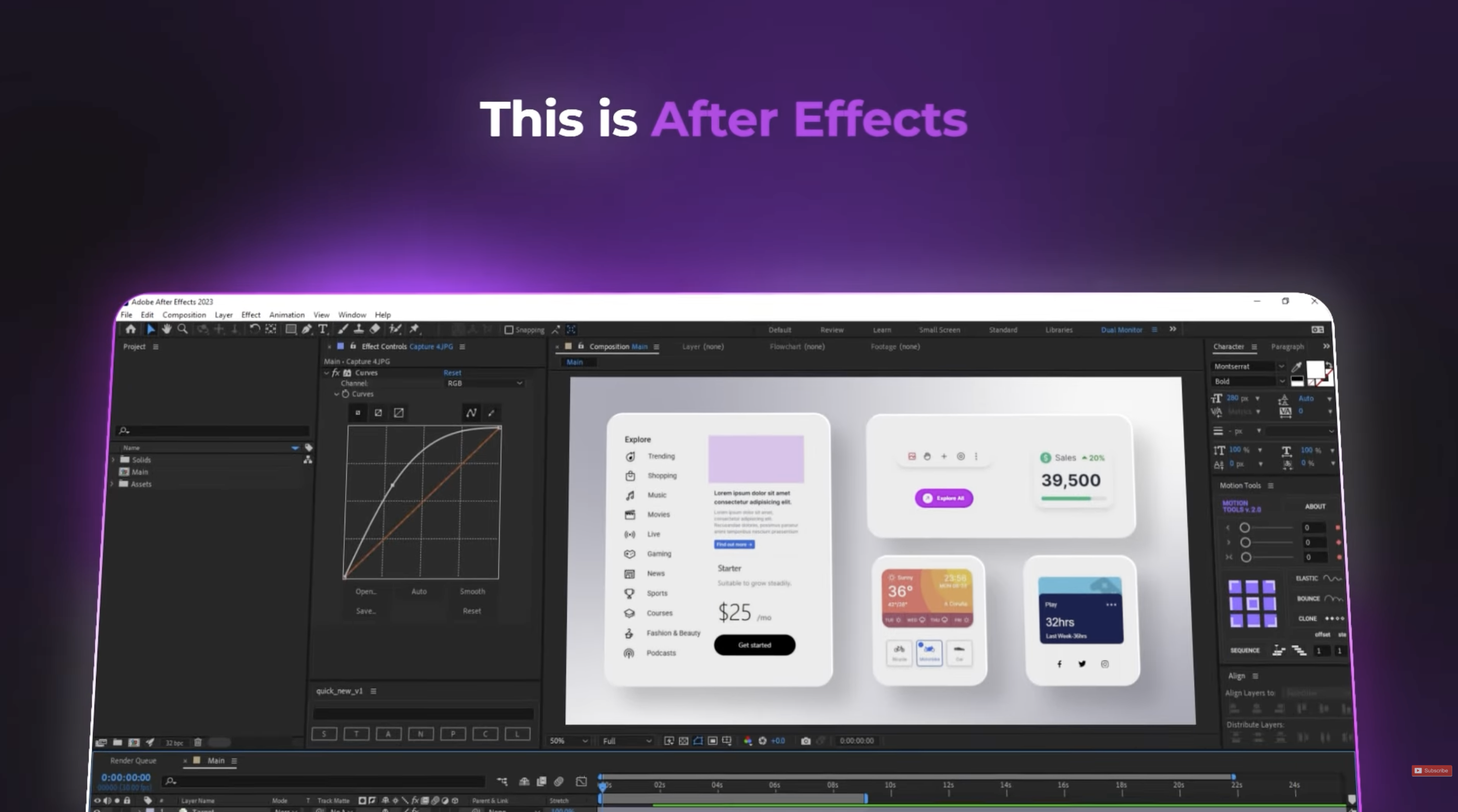
The first question people ask is: "So you're building an online After Effects?"
No. Deliberately not.
The world doesn't need another timeline-based video editor. There are plenty of good ones — After Effects, DaVinci Resolve, CapCut, Descript. They're powerful, flexible, and built for people who want to edit video. That's not our user.
Our user is a founder who just shipped a feature at 2am and needs a video by morning. A marketing lead who publishes three product updates a week and can't wait for the design team's queue. A solo developer who has never opened a video editor and doesn't plan to start.
For these people, a timeline is not a feature — it's a barrier. Keyframes are not empowering — they're intimidating. The entire paradigm of "here's a blank canvas, go create" is the wrong starting point when what you actually need is "here's my product, make it look great."
That's the core design decision behind LaunchVideo: we trade flexibility for speed. We don't give you 500 transition options. We analyze your product and pick the right ones. We don't ask you to set font sizes. We read them from your website. We don't expose a render queue. We just give you a video.
The complexity lives in our pipeline, not in your workflow.
This doesn't mean you have zero control. You can edit copy, swap sections, adjust pacing. But the default output should be good enough to ship — and for most people, it will be.
We'd rather be the tool that gives you a great video in 60 seconds than the tool that gives you infinite control and a 60-hour learning curve.
What Happens Behind the Scenes
When you submit a URL, LaunchVideo kicks off a fully automated pipeline:
1. Website Scraping and Screenshot Capture
LaunchVideo visits your website like a real user. It navigates through your pages, captures high-fidelity screenshots of your hero section, feature blocks, pricing tables, and key UI elements. These screenshots become the raw material for your video.
This isn't a basic thumbnail grab. We render your site at multiple viewpoints, capture scroll states, and extract the visual moments that best represent your product.
2. Design Style Analysis
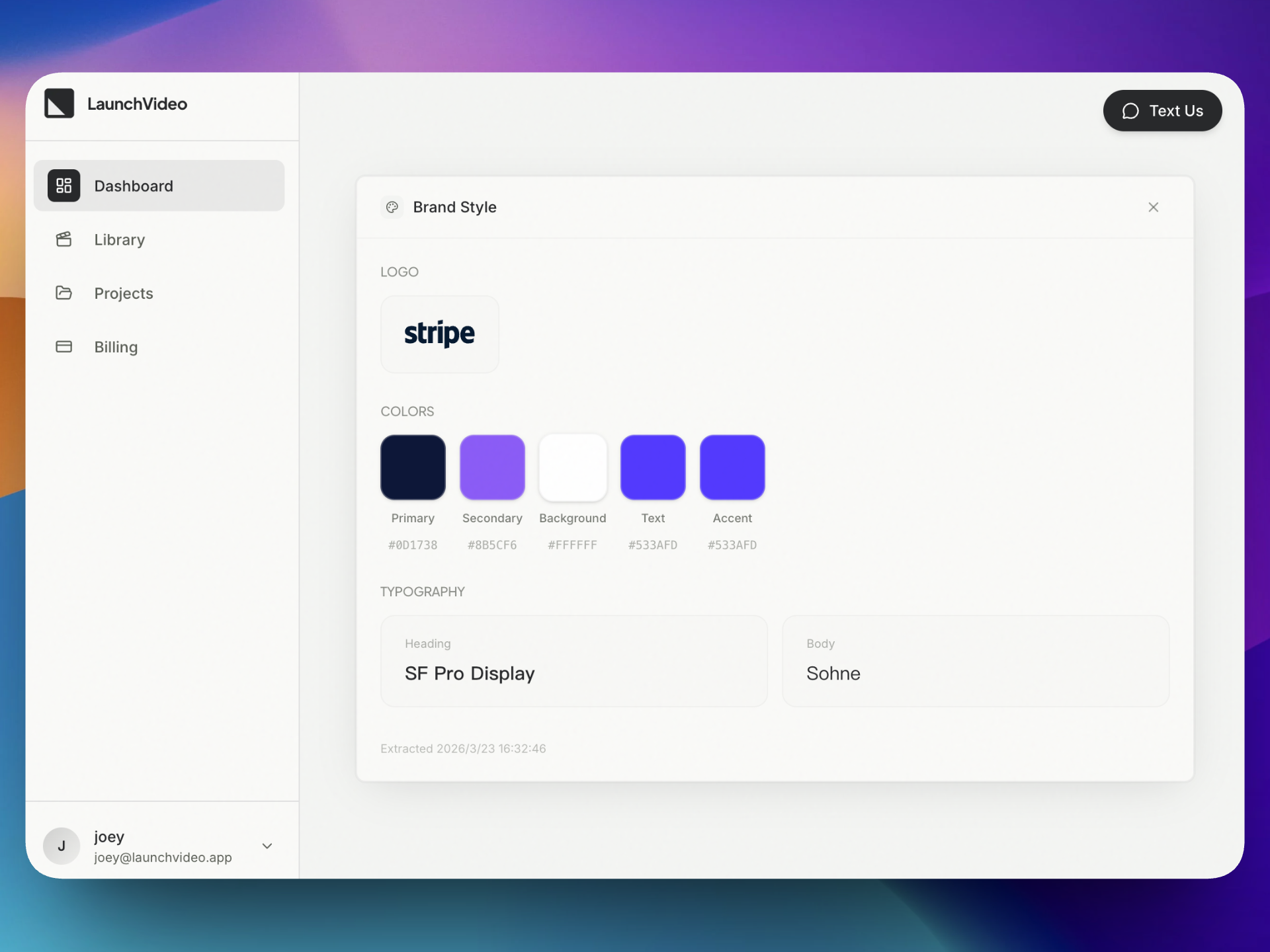
Here's where it gets interesting. LaunchVideo doesn't just screenshot your site — it understands it.
Our AI analyzes your design system in real time:
- Color palette — primary, secondary, accent colors extracted directly from your CSS
- Typography — font families, weights, and hierarchy detected from your headings and body text
- Layout patterns — card-based, hero-centric, dashboard-style, or editorial
- Visual tone — minimal, bold, playful, corporate, dark mode, glass morphism
- Spacing and rhythm — the cadence of your visual language
This analysis ensures the generated video doesn't just feature your product — it feels like your product. The transitions, the color grading, the typography animations all inherit your brand DNA.
3. Motion Video Generation
With screenshots captured and design style analyzed, LaunchVideo generates a production-ready motion video.
The video follows a proven promotional structure:
- Hook — an attention-grabbing opening built around your value proposition
- Product showcase — animated screenshots with smooth transitions showing your UI in action
- Feature highlights — key features called out with kinetic typography matching your brand fonts
- Call to action — a closing frame designed to convert
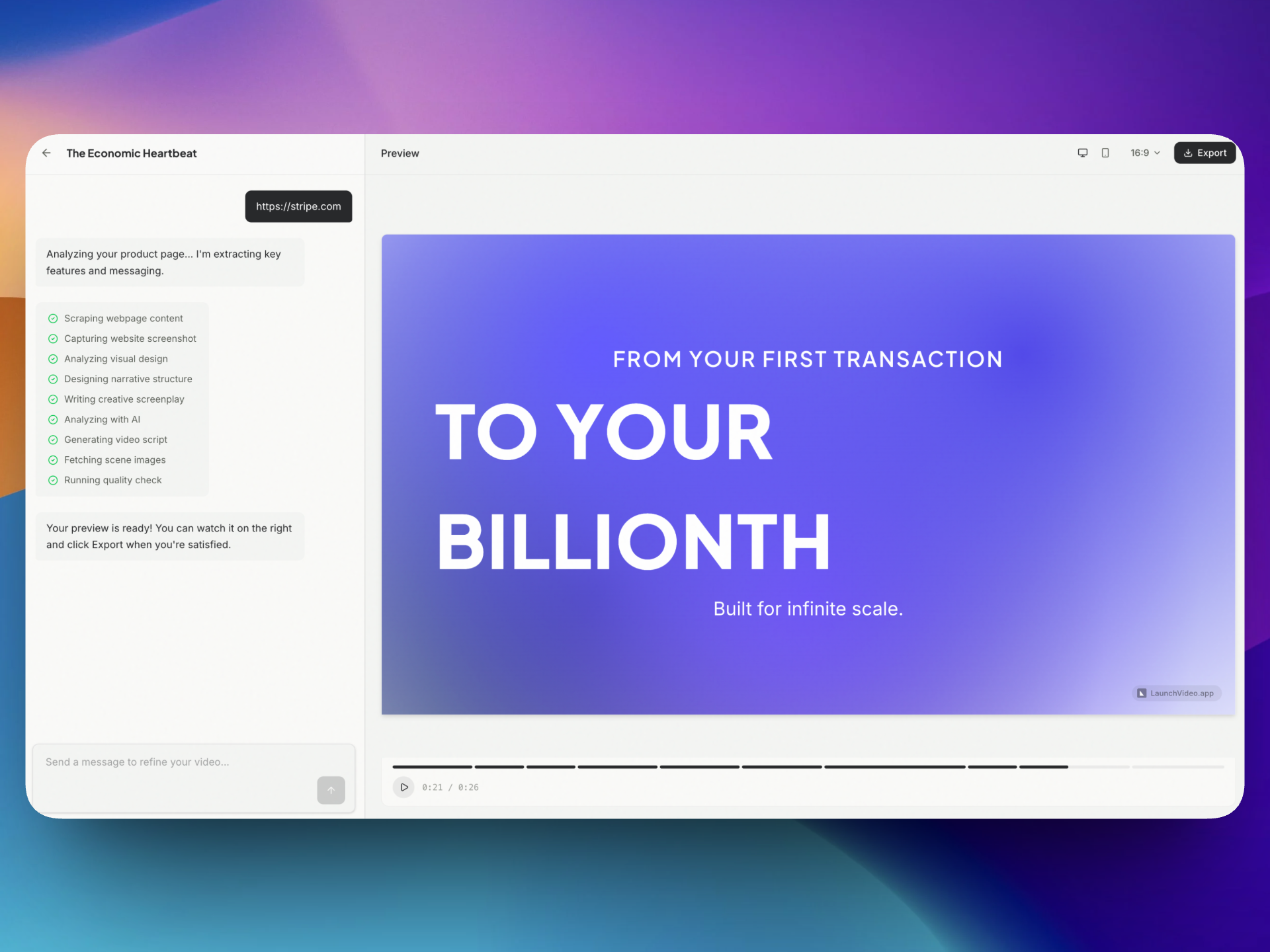
Every transition, every animation, every text treatment is derived from the design analysis. A dark-mode SaaS dashboard gets cinematic, moody transitions. A bright consumer app gets energetic, playful motion. The video matches the product because it was built from the product.
Why This Matters for Marketing
Marketing teams are shipping faster than ever. Product updates go live weekly. Feature announcements happen on Twitter in real time. But video production still operates on agency timelines.
This creates a painful gap: the teams that ship the fastest have the least time to produce the content that would amplify their work.
LaunchVideo closes that gap by making video production as fast as the product cycle itself.
Launch day, not launch month. Generate your motion video the same day you ship. Drop it into your Product Hunt launch, your changelog, your social posts — all before anyone else has even opened After Effects.
Iterate as fast as you ship. Redesigned your landing page? Updated your pricing? Just paste the URL again. New video in 60 seconds. No reshoots, no re-exports, no back-and-forth with a freelancer.
Brand-consistent by default. Because the video is generated from your actual website, it's always on-brand. No style guides to share, no design reviews to schedule, no "can you make the blue more blue" feedback loops.
Not a Template. Not a Screen Recording.
Let's be clear about what this is not.
This is not a template library where you swap in your logo and call it done. Templates look like templates. Everyone recognizes them, and they dilute your brand rather than amplify it.
This is not a screen recording with background music. Loom is great for async communication. It's not a marketing asset.
LaunchVideo generates original motion video, composed from your actual product UI, styled to your actual design system, structured for actual marketing impact. The output is a video file you'd be proud to put on your homepage.
What's Next
We're just getting started. Here's where we're headed:
Visual Editor. Fine-tune your video after generation. Edit wording, adjust timing, swap screenshots, reorder sections — all through a visual interface. No timeline expertise required, but full control when you want it.
Audio Support. Background music and AI-generated narration matched to your video's pacing and tone. Choose from curated BGM tracks or generate voice-over with multiple voice options to give your video a polished, professional sound.
Showcase Gallery. Browse a public gallery of videos generated by the community. See what's possible, get inspired by how other products present themselves, and discover styles you might want to try for your own launch.
Join the Waitlist
We're building this right now and launching soon. If you've ever shipped a product and thought "I wish I had a video for this" — we're making that a one-click reality.
Join the waitlist at launchvideo.app to get early access when we launch. First users in line get to try it free.